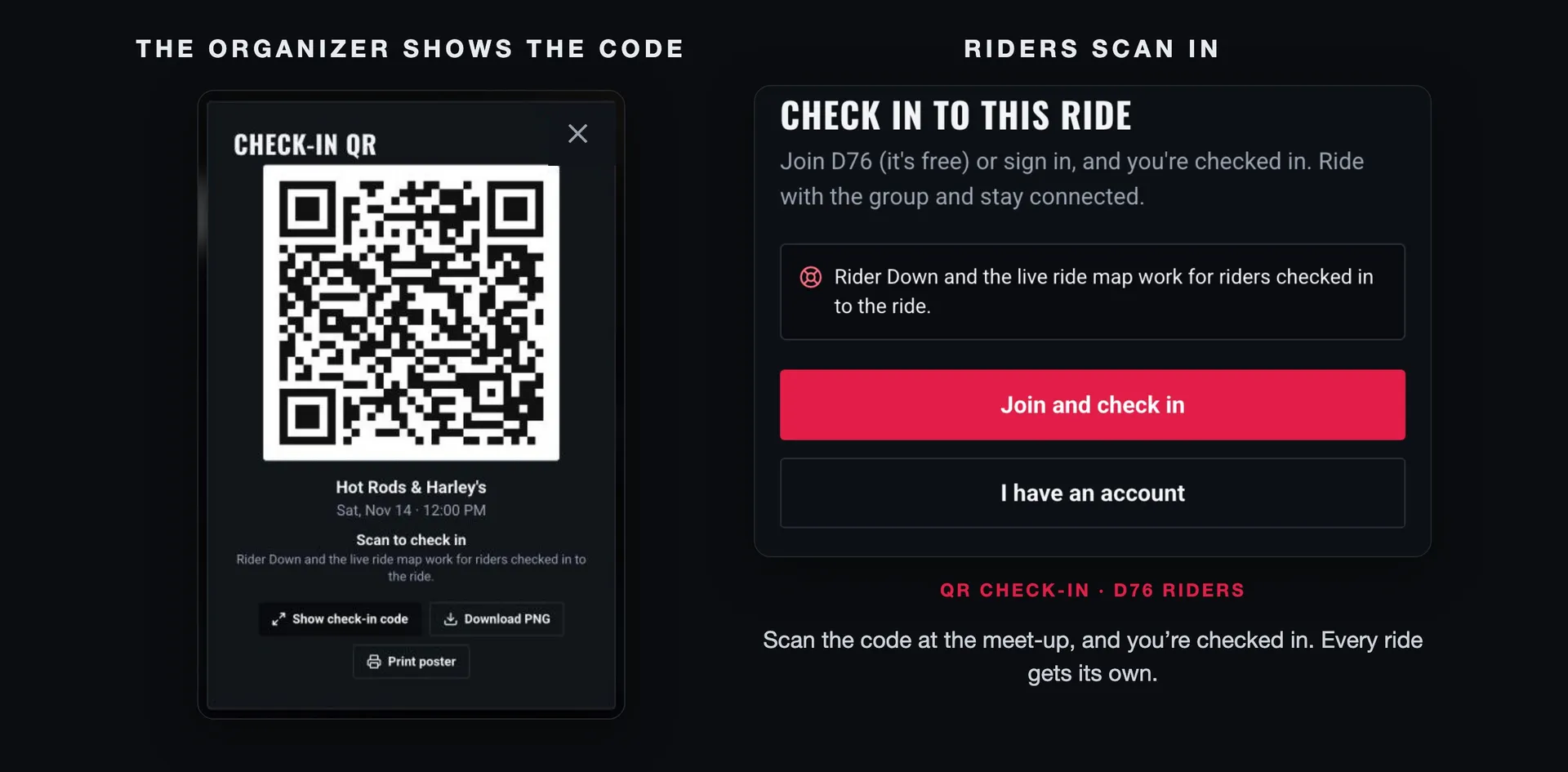
Every ride leader knows the parking lot count. Fourteen bikes at the meet-up, a quick look around before kickstands up, then a gas stop forty minutes later where you're sure there were fifteen. Was the guy on the blue Street Glide with us, or did he peel off at the light? Nobody's quite sure, and you're not leaving until somebody is.
A head count in your head isn't a list. And when something goes wrong on the road, the people who need to know are the riders actually on that ride. That's what check-in on D76 is for, and now it takes one scan.
This guide covers how QR check-in works for organizers and for riders, what checking in turns on, and how to run it at a bike night or a group ride without slowing anyone down.
What checking in actually does
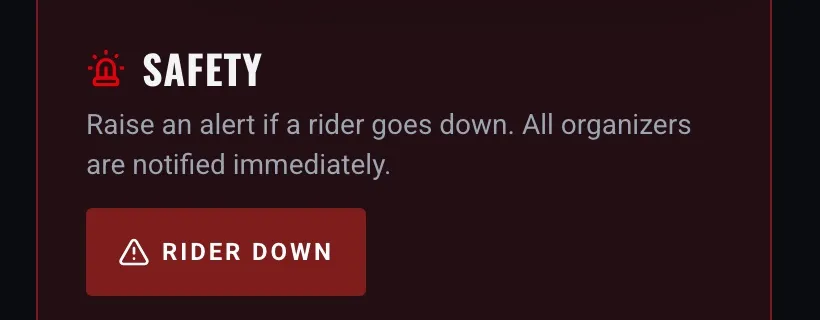
Checking in tells D76 you're riding with this group today. Two safety features work for the riders who are checked in to a ride:
Rider Down. If a rider goes down, anyone checked in can raise the alert from the ride's page while the ride is under way (you'll need a confirmed email). It alerts every organizer at once, with where you are, and tells the riders checked in that the group is stopping. You can say who and what happened after it's sent, picking from the riders checked in. Call 911 first if anyone is hurt; Rider Down tells your group, it doesn't replace emergency services.
The live ride map. On a ride you're checked in to, you can tap Share my location, and the riders on that ride see you on the route. Nothing is shared until you tap it.
Both work inside the ride-day window: from an hour before the ride starts until it ends. If the ride has no end time, the window closes 12 hours after the start. Check-in follows the same window, so a code scanned the night before won't check anyone in early.
For organizers: showing the code
You don't set anything up. Every ride on D76 gets its own check-in code the moment it's posted, whether it's a group ride, a bike night, a poker run or a toy run.
On your ride's page, open Manage and pick Check-in QR. The dialog shows the code with your ride's name and start time, the words Scan to check in, and the one-line reason riders should bother: Rider Down and the live ride map work for riders checked in to the ride.
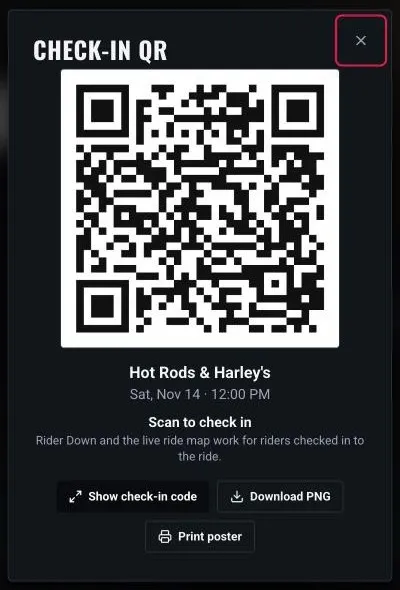
From there you have three ways to put it in front of riders:
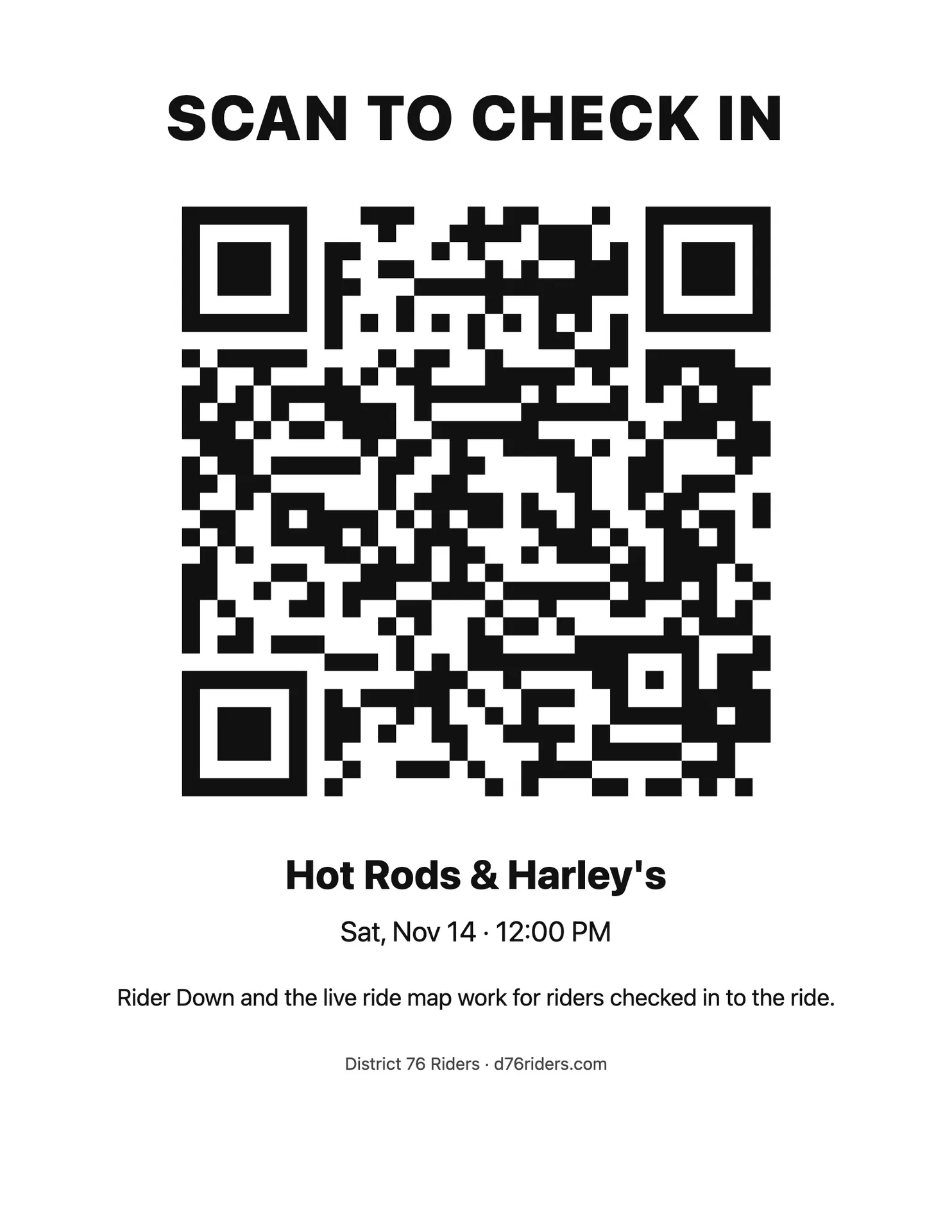
Print poster. One page, black on white, sized to print on US Letter or A4. It reads SCAN TO CHECK IN across the top, with the code, your ride's name and date, the Rider Down line, and d76riders.com at the bottom. Tape it to the door at bike night or set it on the tailgate at the meet-up.
Show check-in code. The code full screen on a white background, for holding your phone up in a parking lot.
Download PNG. The same code with the ride's details as an image, for your Facebook post, your group chat or a flyer.
The code encodes your ride's check-in link (d76riders.com/events/your-ride/check-in). It's the same link every time for that ride, so a poster printed on Tuesday still works on Saturday.
For riders: scanning in
Point your phone's camera at the code and tap the link. What happens next depends on where you are with D76.
You're signed in. You're checked in on the spot, and the page says You're checked in to the ride's name. If you hadn't RSVPed, the scan RSVPs you as going first, so there's nothing else to tap.
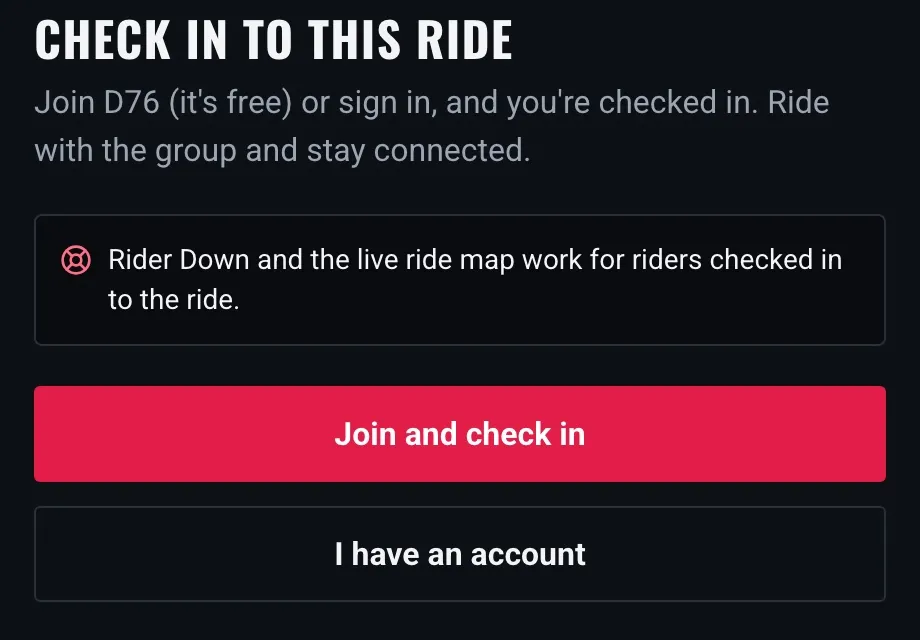
You're new to D76. The page explains why check-in matters and gives you two buttons: Join and check in and I have an account. Join takes a minute, and Google sign-in works. When you're done, you land back on the ride, already checked in.
A scan can also tell you something isn't ready yet, in plain words:
Check-in isn't open yet. It opens an hour before the ride starts. RSVP now and scan again at the meet-up.
This ride is full. You're on the waitlist. If a spot opens, you're in, and you can check in then.
Accept the Safety Waiver first. Some rides need the Safety Waiver. Open the ride, accept it, then scan again.
RSVPs are closed. Talk to the ride leader at the meet-up.
This ride is over or was cancelled. Check-in has closed, and the events page has the next one.
Scanning twice is harmless: the second time just says you're already checked in.
When the D76 app arrives, the same code will open it instead of the browser, and a check-in made with no signal will send once you're back in range.
Sharing your location: always your choice
Checking in doesn't share where you are. On a ride you're checked in to, the live ride map offers Share my location. Tap it and the riders on that ride can see you; tap Stop sharing whenever you like. Sharing also stops when you check out or the ride day ends.
Only riders on that ride see you. Your shared route is kept for the ride's recap, and your speed is never shown.
If you'd rather never be asked, turn off Live location on group rides in Privacy settings. The Share button disappears from every ride, and D76 won't accept your position on a live map. You can still check in and use Rider Down.
Running check-in at a bike night or group ride
A few things make it smoother:
Post the ride early. Riders who RSVP ahead of time are one scan from checked in. Anyone who finds you at the meet-up still gets in, but it takes them a minute longer.
Print the poster for bike nights. People drift in for hours. A poster by the door does the work while you're talking bikes.
Hold the code up at the meet-up for group rides. Announce it during the riders' meeting: "Scan in before we roll, so Rider Down works." Thirty seconds, done.
Drop the PNG in your event post. Riders who see it ahead of time know what to expect.
Check the Waiver setting. If your ride needs the Safety Waiver, mention it in the post, so riders accept it before they show up.
Don't scan for other people. Each rider checks in on their own phone. That's how Rider Down knows who's actually there.
A simple routine
For most ride leaders, this covers it:
Post your ride on D76 a few days out.
Download the check-in PNG and add it to your Facebook post or group chat.
On ride day, print the poster or pull up Show check-in code at the meet-up.
Before kickstands up, ask everyone to scan in.
That's a list instead of a guess, and a group that knows how to find each other if something goes wrong.
Find a ride near you · Post your ride · Privacy settings
Ride what you ride. Rep who you rep. Respect everyone. And look out for each other.
Finish this story. It's free
Create your free District 76 account to read the rest, save articles, and join the discussion.
Already a member? Log in

@worlddrknss
I’m basically a walking collection of expensive hobbies and a complete absence of free time!
Roads worth riding
Community-rated routes from the D76 road guide.
- Fort Donelson Ride Outin TN
- Old Lock B Boat Rampin TN
- FS141 to Persimmon Pointin KY
- Natchez Trace Parkway (TN)in TN
0 Comments
Sign in to join the discussion.
- No comments yet. Be the first to weigh in.